Tips & Best Practices
Get the most out of every breath
Practical tips for every part of Respiro — from preparing your first session to building a sustainable daily habit. Whether you're a beginner or an experienced practitioner, these tips will help you breathe better, track smarter, and unlock more from the app.
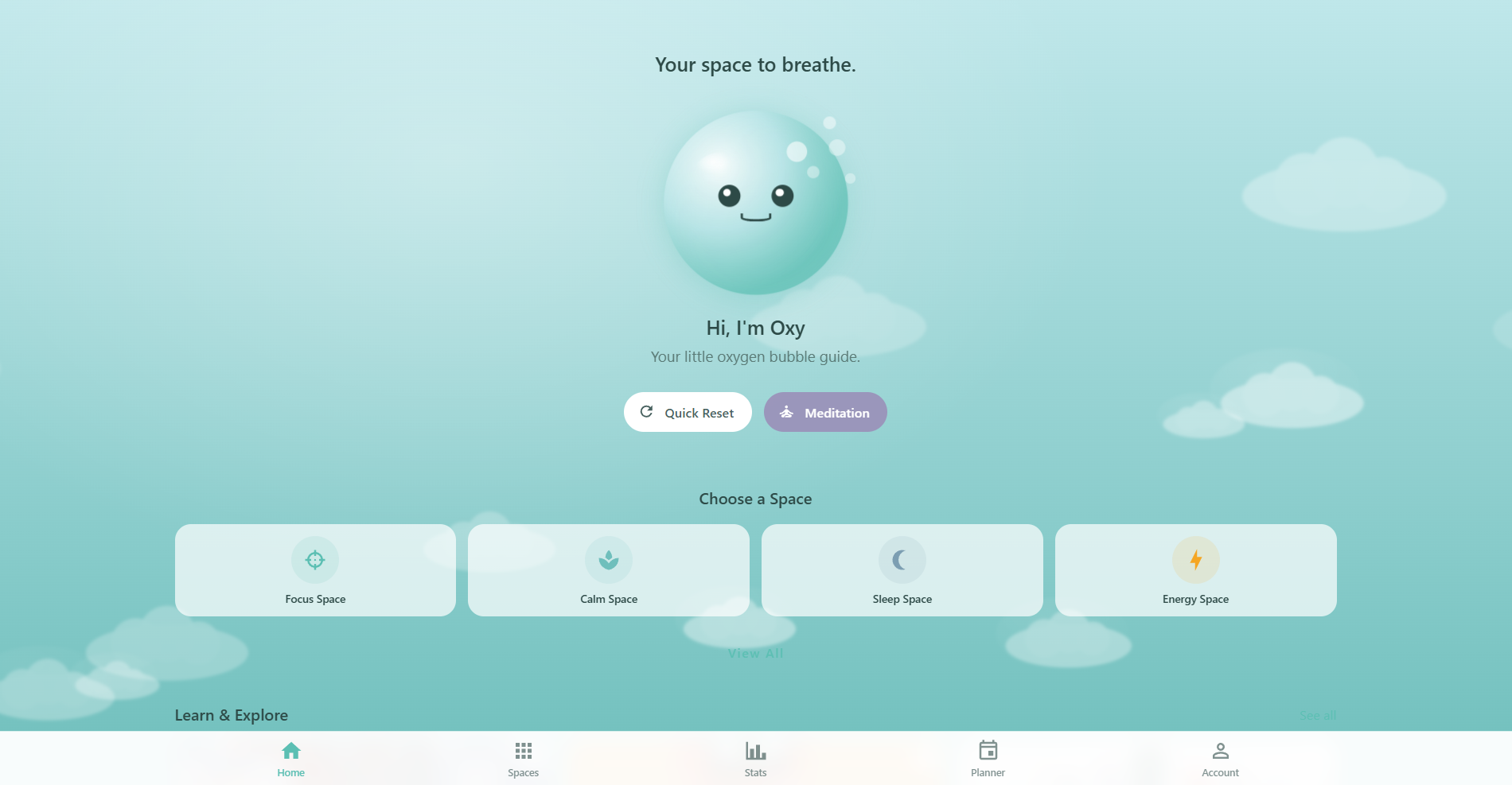
Prepare Your Session
A few small steps before you start make a big difference in session quality:
- Use headphones: Spatial audio guidance and ambient sounds are designed for headphones. The experience is noticeably better with them
- Find a quiet space: Minimize distractions so you can focus on your breathing rhythm
- Sit comfortably: Back straight, shoulders relaxed, feet flat on the floor. You can also lie down for sleep sessions
- Close your eyes: Helps you focus inward, though you can keep them open if you prefer watching the visualizer
- Do Not Disturb: Put your phone or device on DND mode to avoid interruptions mid-session
These tips appear in the app while voice guidance is loading, giving you at least 5 seconds to settle in before the session begins.
Breathing Technique
How you breathe matters as much as which template you choose:
- Breathe through your nose: Unless the template says otherwise, both inhales and exhales should go through your nose. Nasal breathing filters air, regulates temperature, and activates the parasympathetic nervous system
- Don't force it: If a pattern feels uncomfortable, try a shorter phase duration or switch to a gentler template like Calm Breath (4-2-6-2)
- Match the pace: Follow the visualizer animation — it expands on inhale and contracts on exhale. Use the pace multiplier (0.75x slower, 1.25x faster) to adjust speed
- Skip holds if needed: Set hold phases to 0 seconds in custom settings to create a continuous flow pattern without pauses
- Pause anytime: Tap pause mid-session and resume when ready — your progress is saved
Choose the Right Template for Your Goal
Each space groups routines by purpose. Here's what to reach for based on how you feel:
- Stressed or anxious: Calm Space — try Calm Breath (4-2-6-2) with its gentle elongated exhale, or Box Breathing (4-4-4-4) for grounding
- Need to focus: Focus Space — Box Breathing is the go-to, used by Navy SEALs and peak performers for mental clarity
- Can't sleep: Sleep Space — 4-7-8 Breathing (4s inhale, 7s hold, 8s exhale) is Dr. Weil's relaxation technique, designed specifically for winding down
- Low energy: Energy Space — Energizing Breath (2-1-2-0) for a quick boost, or Morning Energizer (3-0-2-0) as a caffeine-free wake-up
- Pre-workout: Recovery Space — Athletic Activation (4-4-2-0) with shortened exhale to prime your body before events
- Just woke up: Morning Activation (4-2-3-0) bridges sleep and wakefulness — try it while still in bed
Free users get the first 3 routines per space. Pro members unlock all routines across all 12 spaces.
Best Time to Breathe
The best time is the time you'll actually do it. That said, different times pair naturally with different goals:
- Morning (6-9 AM): Energy and activation patterns — start your day grounded before checking your phone
- Midday (11 AM-1 PM): Focus sessions — reset your concentration after a busy morning
- Afternoon (2-5 PM): Stress relief — counter the post-lunch energy dip
- Evening (6-9 PM): Calming patterns — transition from work mode to personal time
- Night (9 PM+): Sleep preparation — 4-7-8 Breathing 30 minutes before bed
The Planner automatically schedules routines at your preferred times and can be exported to your calendar via ICS.
Build a Consistent Habit
Consistency beats intensity. Here's how to make breathing practice stick:
- Start with 5 minutes: Short sessions build the habit without feeling overwhelming. Most templates run 3-10 minutes depending on cycle count
- Set a daily reminder: Go to Account > Settings and configure a reminder time. Default is weekdays at 9 AM — customize the days and time to match your routine
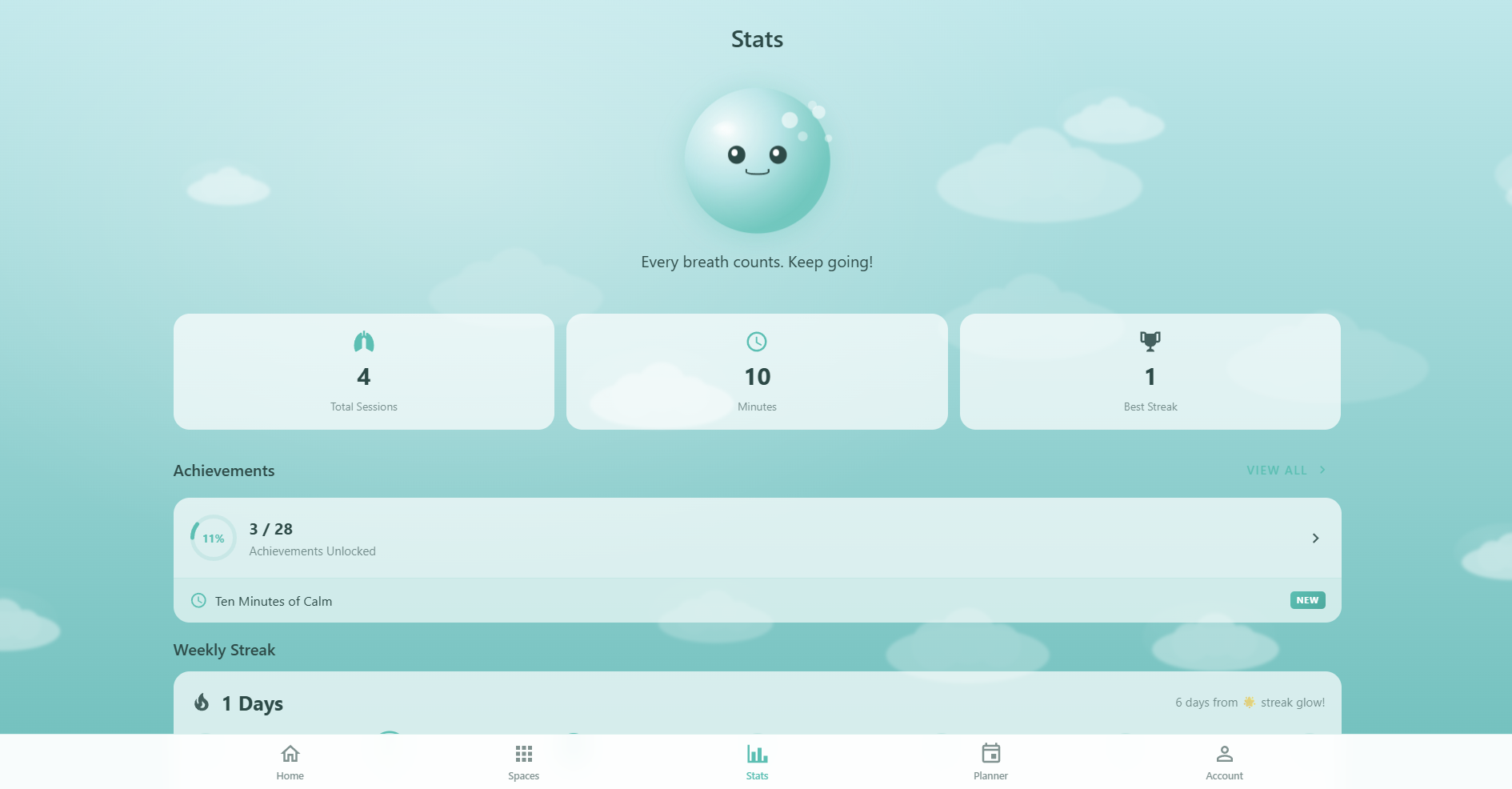
- Use the streak counter: Your streak tracks consecutive days with at least one session. The 30-day goal on the Account page gives you a visible target to work toward
- Schedule with the Planner: Plan sessions for specific days and times. Seeing them on your calendar makes them feel like real appointments
- Don't break the chain: If you miss a day, your streak resets to 0 — but your longest streak record is preserved forever. Start fresh the next day without guilt
Aim for 4-5 sessions per week. The "Week Warrior" achievement (7-day streak) is a great first milestone.
Track Your Mood & Energy
The Journal is where breathing practice becomes self-knowledge:
- Rate immediately: Track mood (1-5) and energy (1-5) right after each session for the most accurate reflection
- Add short notes: Even a few words help you spot patterns later — "felt calmer after 4-7-8" or "morning session gave focus boost"
- Watch the trends chart: After 2+ tracked sessions, the Mood Trends Chart appears at the top of the Journal. Toggle between 7 days, 30 days, or all-time to spot patterns
- Use it to optimize: Over time you'll see which templates improve your mood most, what time of day works best, and whether longer or shorter sessions suit you
Free users can track mood for up to 5 sessions and write up to 3 notes. Pro members get unlimited tracking plus 5 analytics insight cards.
Choose Your Visualizer
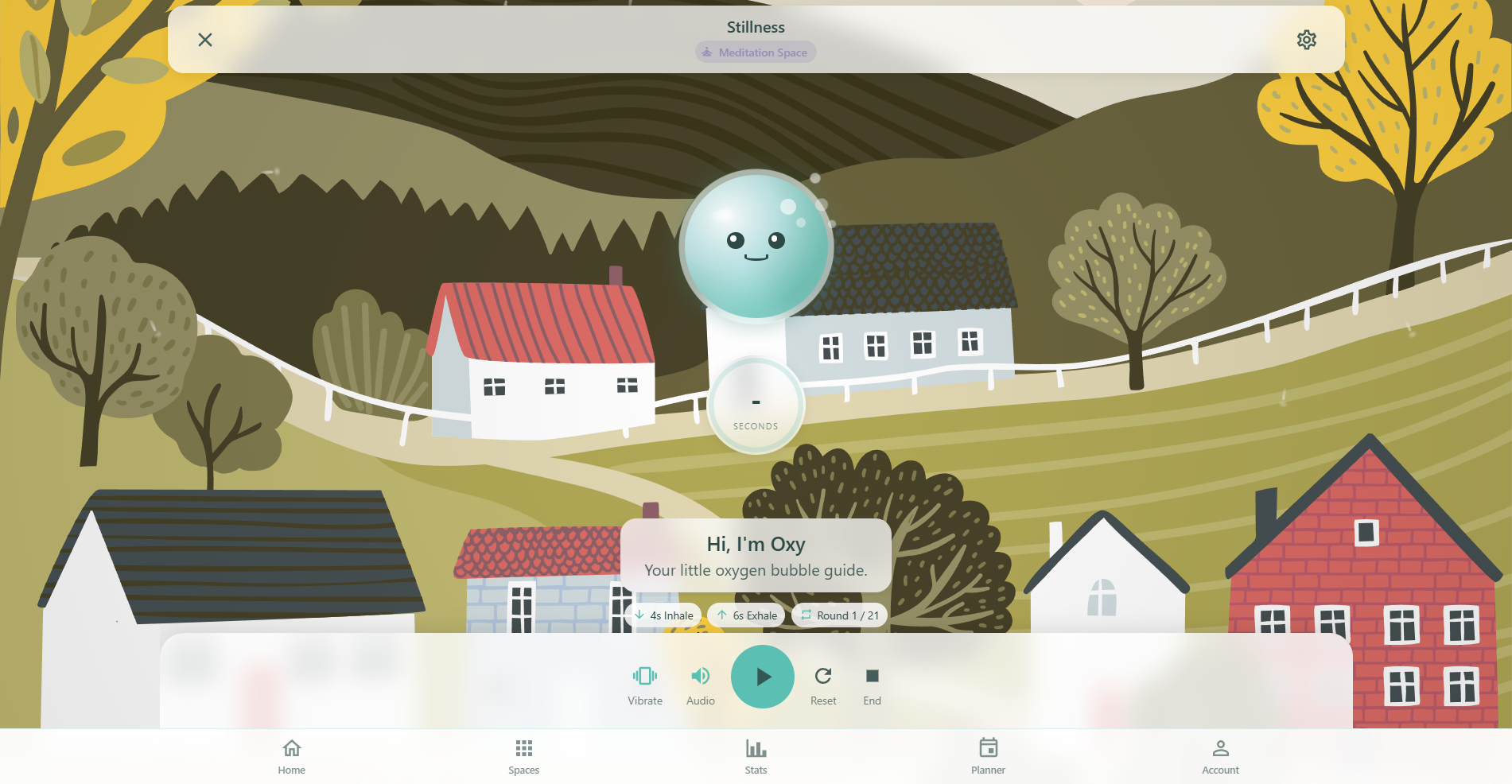
The breathing session offers 4 visualization styles. Pick the one that helps you focus:
- Circle: Best for beginners — a simple ring that expands and contracts with your breath
- Wave: Best for visual learners — a sine wave animation that flows with each phase
- Oxy: Best for engagement — your Oxy mascot breathes alongside you
- Blob: Best for organic feeling — a morphing blob shape that gently shifts
You can switch visualizers between sessions. All visualizers sync to the template's phase timing.
Customize Audio & Haptics
Fine-tune the sensory experience to match your preferences:
- Voice guidance: Toggle spoken instructions on or off. Adjust voice speed — slow (0.8x), normal (1.0x), or fast (1.2x)
- Ambient sounds: Enable background audio that pairs with your space. Pro members can mix multiple ambient layers with the Ambient Mixer and add binaural beats
- Volume levels: Control master, voice, and ambient volumes independently (0-100% each)
- Haptic feedback: Enable vibration for tactile cues — a tap on phase transitions, directional patterns for inhale/exhale, a hold reminder, and a celebration vibration when the session completes
- Transcripts: Toggle on-screen text transcripts for accessibility. Adjust font size (small, medium, large)
Unlock More Achievements
Respiro has 29 achievements across 6 categories. Here are strategies to unlock them faster:
- Start with "First Breath": Complete 1 session — the easiest achievement to unlock and a great confidence boost
- Build toward streaks: "Week Warrior" (7-day streak) is the first streak milestone. Daily short sessions count just as much as long ones
- Try different templates: "Curious Mind" requires trying 3 different templates. Explore various spaces to unlock it naturally
- Accumulate time: "Ten Minutes of Calm" (10 min total) and "Hour of Peace" (60 min total) add up across all your sessions
- Check your progress: Each achievement card shows a progress bar (e.g. "3 / 25 sessions") so you know exactly how close you are
- Hunt secrets: 4 secret achievements are hidden for Pro members — each tied to an extraordinary milestone in streak, sessions, templates, or time
Read & Learn from Articles
Respiro includes 60+ articles across categories like focus, calm, sleep, energy, anxiety, and recovery:
- Read before you breathe: Articles explain the science and technique behind each breathing pattern — understanding "why" makes sessions more effective
- Use the Planner's recommendations: The Planner schedules recommended articles alongside your sessions, aligned to your goals
- Bookmark for later: Pro members can save any article with the bookmark icon. Bookmarks appear on article cards and sync across devices via Cloud Sync
- Check read time: Each article shows its read time (e.g. "5 min read") so you can pick content that fits your available time
Install Respiro as an App
Respiro is a Progressive Web App (PWA) — install it for the best experience:
- One-tap install: When your browser supports it, an install prompt appears. Tap it to add Respiro to your home screen
- App-like experience: Runs in full-screen mode without the browser bar, loads faster, and stands out on your home screen with the Respiro icon
- Works offline: Sessions are recorded locally even without internet. Data syncs to the cloud when your connection restores
- Desktop & mobile: Install on your phone, tablet, or computer — your data syncs across all devices when signed in
Sign In for the Best Experience
Respiro works fully without an account, but signing in unlocks key benefits:
- Cross-device sync: Your sessions, streaks, achievements, journal, bookmarks, and planner sync across all your devices in real time via Cloud Sync
- Data safety: Local data can be lost if you clear your browser. Signed-in data lives safely in the cloud and restores when you sign back in
- Pro access everywhere: Your Pro subscription status syncs instantly — unlock Pro on one device, use it on all of them
- Three sign-in options: Google (one-tap), Apple (privacy-focused, can hide email), or email and password
Sign in from the Account page. It's free and takes seconds.
Quick Wins for New Users
- Complete onboarding: Set your goals, experience level, health info, and schedule. This personalizes everything — template recommendations, health-safe filtering, Planner scheduling, and Oxy's suggestions
- Try Calm Breath or Box Breathing: Both are beginner-friendly, short (under 5 minutes), and immediately calming
- Set a daily reminder: Even a simple weekday 9 AM reminder dramatically improves consistency
- Track your first mood: After your first session, rate your mood and energy — you'll be surprised how much changes in just one breath
- Sign in: Create a free account to sync your data and keep your progress safe across devices