Home Screen
Navigate your breathing journey
Your home screen is your breathing dashboard - meet Oxy, start sessions, track your streak, explore articles, and get personalized recommendations.
Meet Oxy
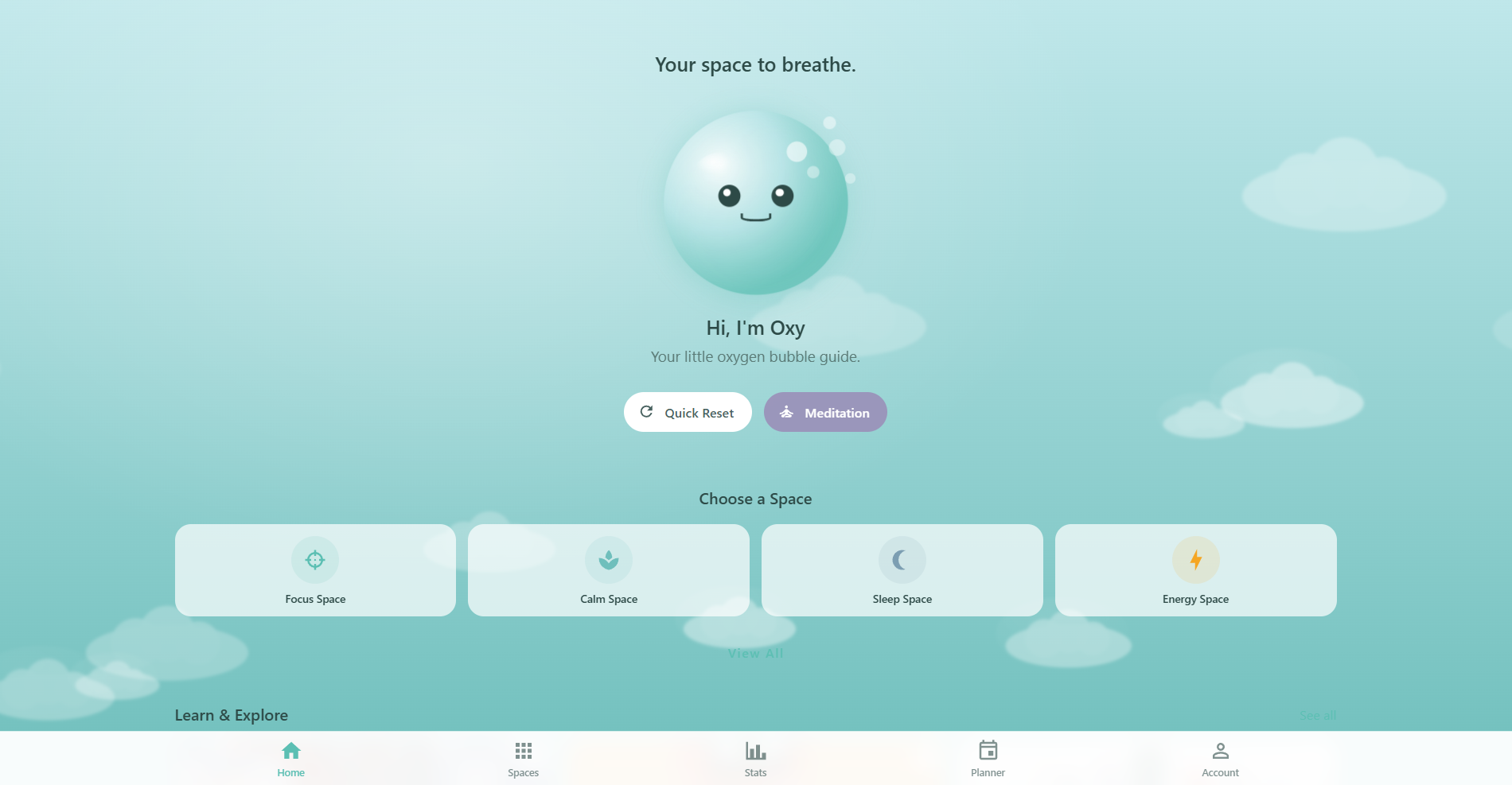
At the top of the home screen, Oxy - your little oxygen bubble guide - greets you with a time-of-day message. Tap Oxy to jump straight into a breathing session. Below Oxy, you'll find two quick action buttons:
- Quick Reset: Instantly start a box breathing session for a quick mental reset
- Meditation: Jump into the Meditation Space for a guided mindfulness session
Choose a Space
Browse four featured breathing spaces directly from the home screen:
- Focus Space: Sharpen your concentration with targeted breathing patterns
- Calm Space: Gentle breathing for relaxation and stress relief
- Sleep Space: Wind down with soothing techniques before bed
- Energy Space: Boost your energy with invigorating breathwork
Tap "View All" to explore the full collection of breathing spaces.
Learn & Explore
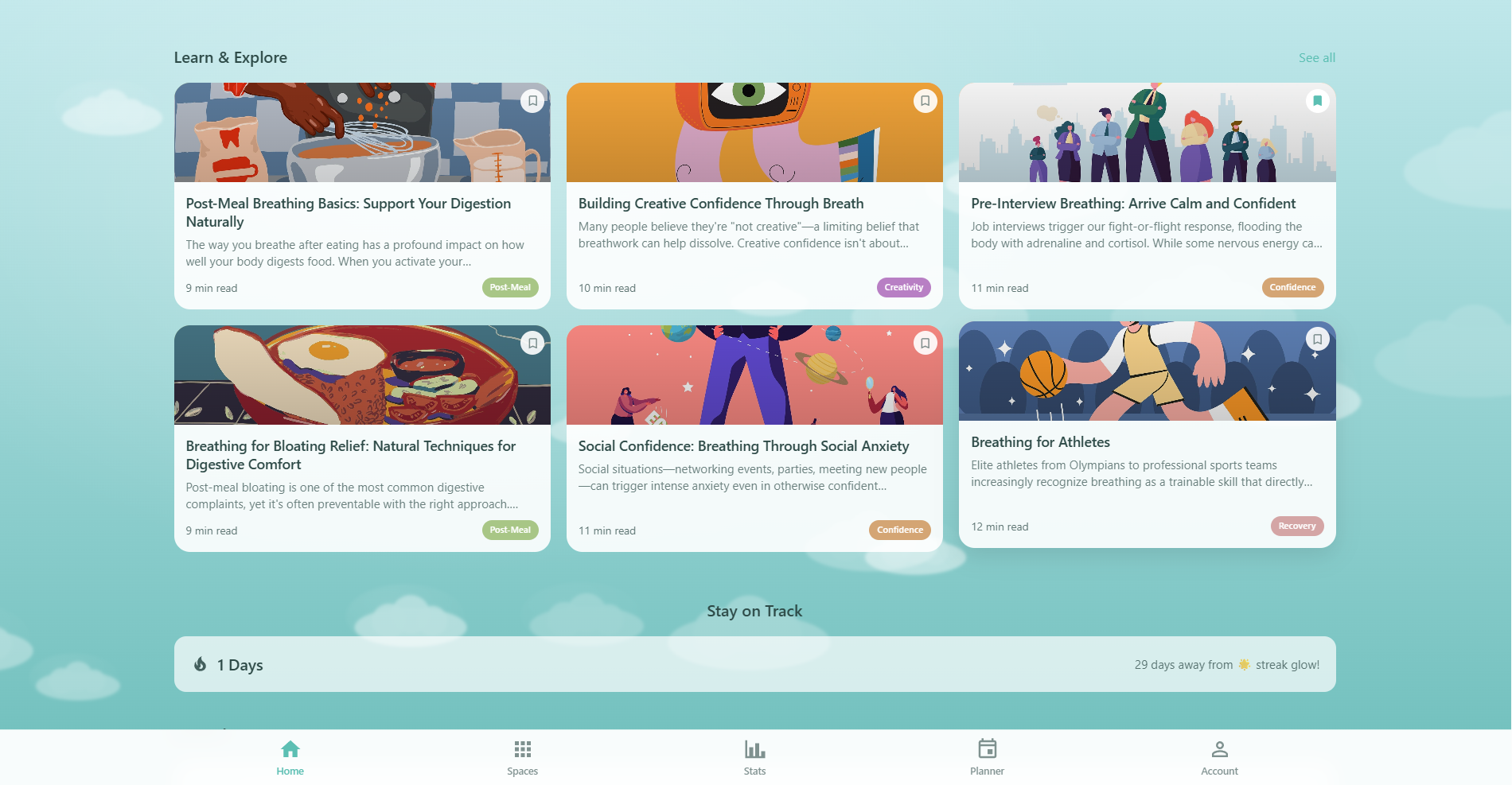
Below the spaces, a horizontal article slider showcases 6 featured articles that rotate daily for fresh recommendations. Each article card displays a featured image or generative pattern, the title, read time, and a color-coded category chip. Swipe through the slider or tap any card to read the full article.
Respiro includes 60 original articles across 12 categories - one for every breathing space. Articles cover breathing science, techniques, practical tips, and mindfulness guidance. Every article includes a "Try This Exercise" widget with a matching breathing pattern and a "Start Breathing" button that launches a session directly from the article.
Article Categories
Tap "See all" on the home screen or visit the Articles page to browse all articles. Filter by category using the chip bar at the top:
| Category | Articles | Topics |
|---|---|---|
| Focus | 5 | Concentration, deep work, box breathing, flow state |
| Calm | 5 | Stress relief, relaxation, parasympathetic activation |
| Sleep | 5 | Insomnia, 4-7-8 breathing, wind-down routines |
| Energy | 5 | Alertness, morning vitality, caffeine alternatives |
| Anxiety | 5 | Panic relief, grounding, physiological sigh |
| Recovery | 5 | Post-workout, muscle recovery, inflammation |
| Meditation | 5 | Mindfulness, awareness, present moment |
| Morning | 5 | Wake-up routines, morning energy, intention setting |
| Creativity | 5 | Inspiration, creative blocks, brainstorming |
| Pre-Workout | 5 | Performance prep, oxygen efficiency, activation |
| Confidence | 5 | Self-assurance, public speaking, power breath |
| Post-Meal | 5 | Digestion support, bloating relief, gut health |
Pro members can bookmark any article for quick access later. Bookmarks sync across all your devices with Cloud Sync.
Stay on Track
Your streak counter shows how many consecutive days you've practiced breathing. It also displays how many days you are from reaching the 30-day streak glow milestone - a great motivator to keep your daily habit going.
Journal
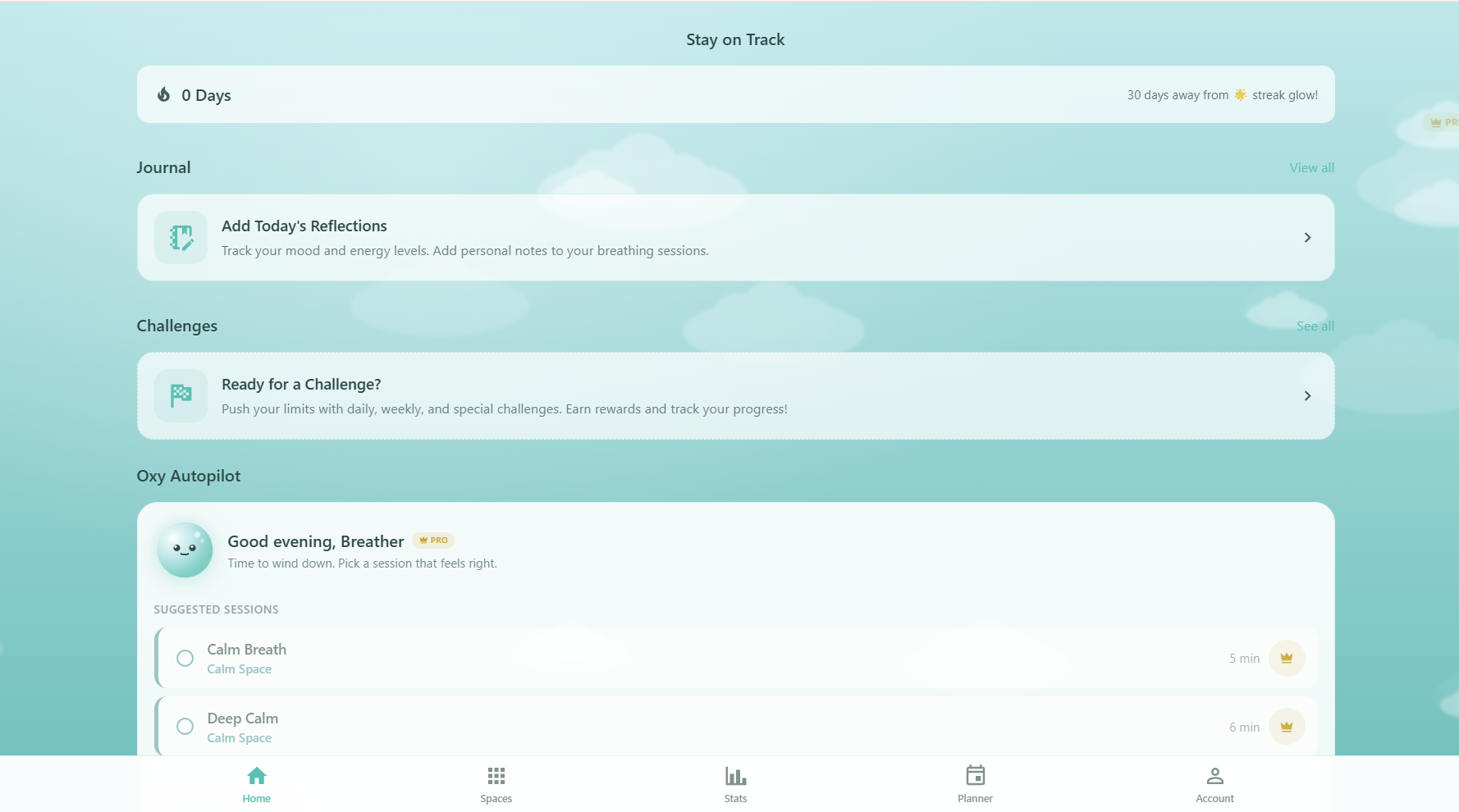
The journal card invites you to add today's reflections. If you've completed sessions today, it shows how many sessions you have to reflect on. Tap it to open the journal and track your mood, energy levels, and personal notes.
Challenges
If you have an active challenge, the home screen shows your current progress with a progress bar, description, and completion status. If you haven't joined a challenge yet, you'll see an inviting card to browse and start one.
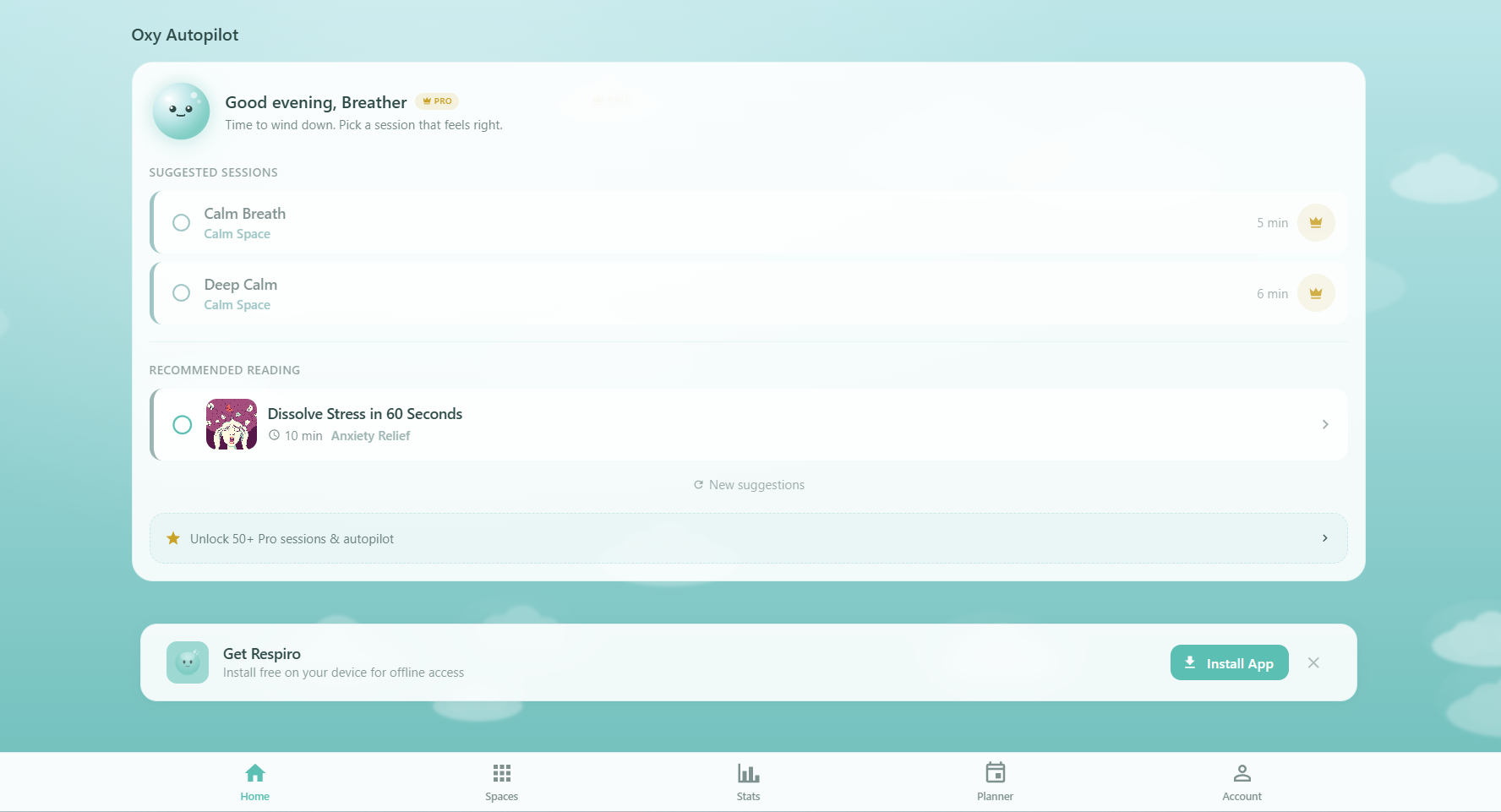
Oxy Autopilot PRO
Oxy Autopilot is a Pro feature that gives you personalized session and article recommendations right on the home screen:
- Weekly Goal Progress: Track your sessions and minutes toward your weekly breathing goal
- Suggested Sessions: Smart recommendations based on your habits, time of day, and goals
- Recommended Reading: Curated article suggestions to deepen your breathwork knowledge
- Refresh Suggestions: Tap "New suggestions" anytime to get fresh recommendations
Free users see a preview of Oxy Autopilot with an option to upgrade to Pro for the full experience.